Table of Contents
Rationale and Specification
Focusing primarily on the front-end aspect of the Stellar Event Rentals website, I redesigned it so that it would fit the needs of the modern internet. With this endeavor, I set and brought up multiple goals with the owner of the business:
- Use responsive design to make the site mobile-friendly
- Declutter the navigation and content to make the site more user-friendly
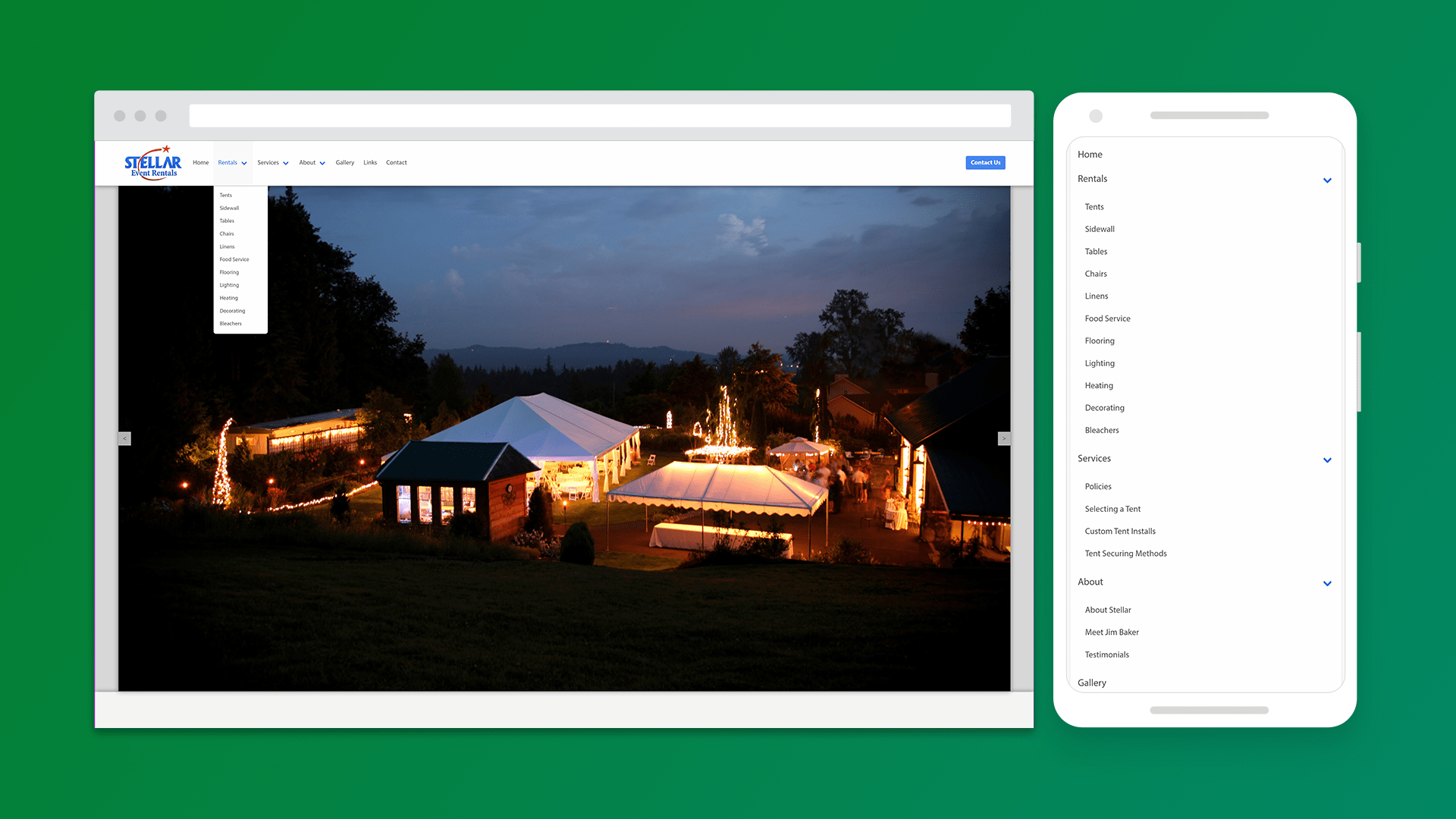
- Rework the navigation menu
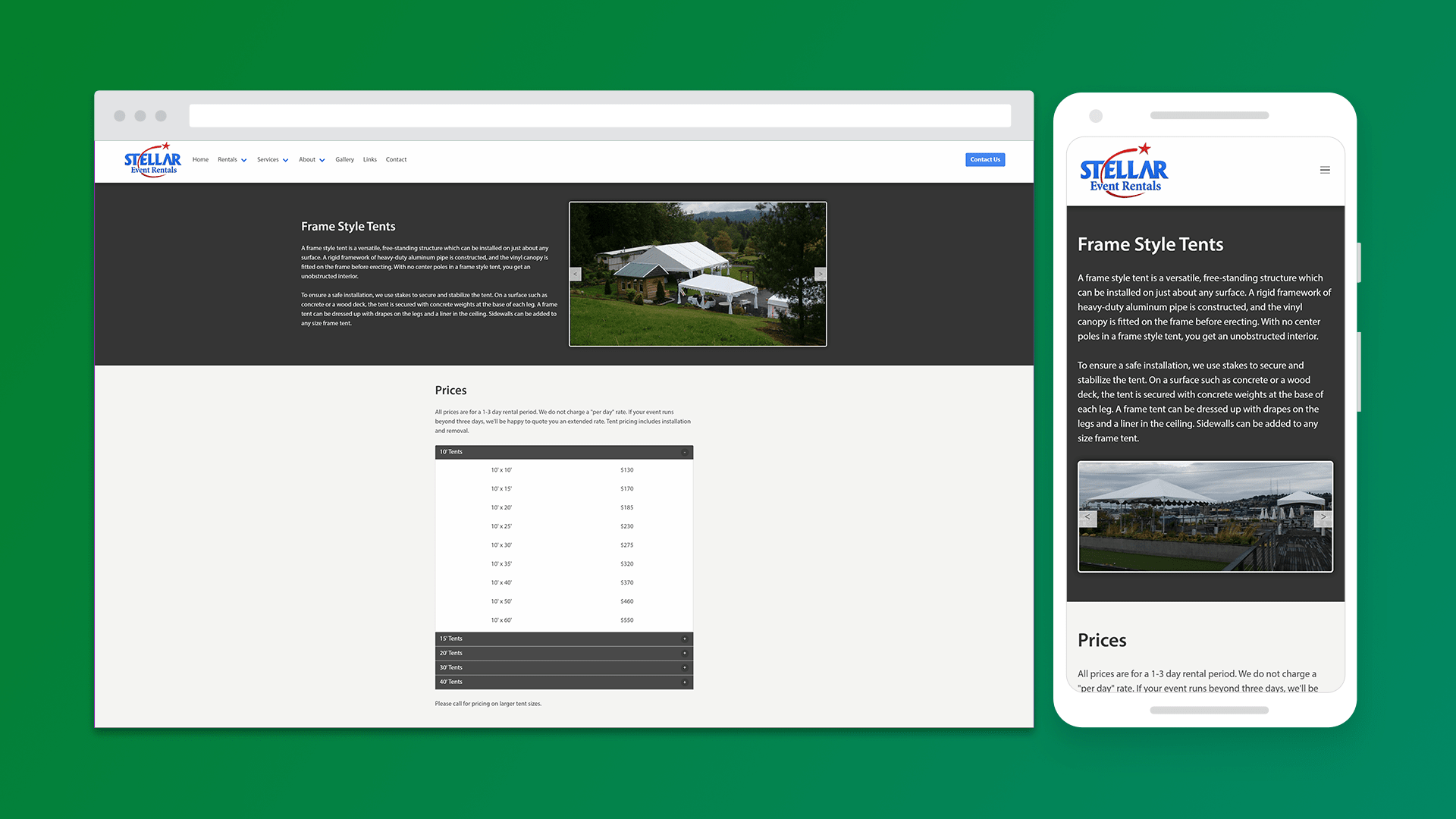
- Condense and categorize the prices within each individual page
- Use HTTPS to create a better brand image and for general improvements
Showcase

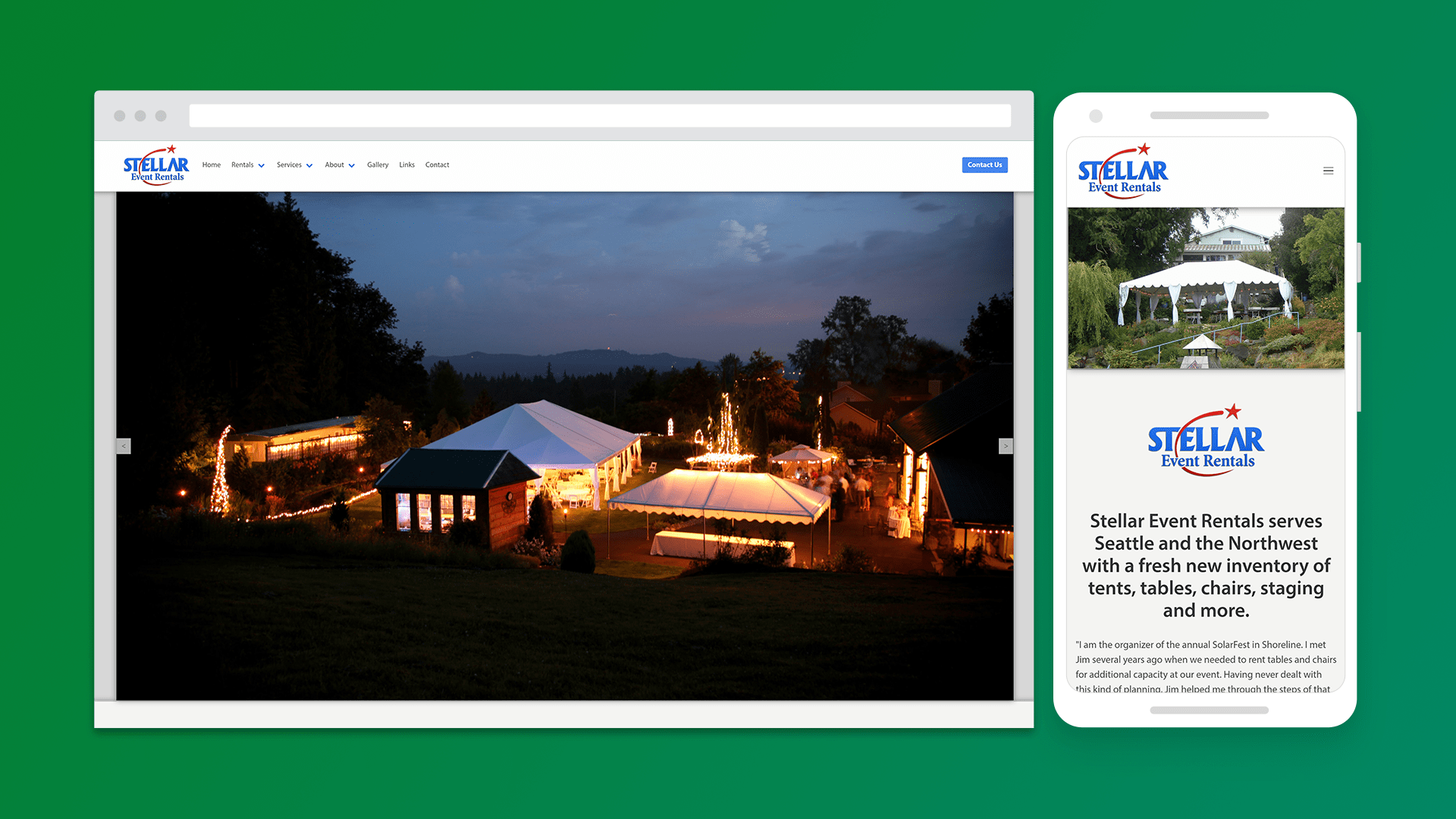
Technology Used
Bulma (HTML, CSS, and JS)
For the frontend of the site, I decided to use the Bulma CSS framework. It is a free, open source framework, so I decided to use it in order to improve my workflow so that I could focus on improving the design and usability. Overall, it was easy to get into and the documentation was easy to understand. Being designed for mobile first, this framework also allowed me to create a design that was responsive and would adapt according to the screen size.
PHP
The backend of the site was written in PHP and because the redesign did not call for a change in how the website worked, I did not do much work with PHP other than adapting it to work with my new design. Instead, this project was more focused on the frontend.
Cloudflare
An important aspect of improving the site was implementing HTTPS to encrypt HTTP requests and responses. With the benefits of using this, I used Cloudflare. Cloudflare acts as a "middleman" and encrypts the website and the person accessing it. By using HTTPS is offers the business a better digital brand image while also offering general improvements from using it.
Highlighted Features
Dropdown Navigation Menu
With a goal of decluttering the content of the site and making the site more user-friendly, I noticed that the original site could be more organized. I decided to chunk each set of pages into their own categories in a dropdown. This way, the user would not be bombarded when first vising the site and could instead go through each category individually as they desired. This way, it not only decluttered the navigation, but also allowed for easier navigation throughout the entire site. To do this, Bulma offered a navbar that I was able to use and adjust to my liking.
Accordion
Again, with my desire to organize the content on the site, I decided to combine the different prices on the individual product pages. By combining these prices into their own categorized accordions, it allows for a user to view a specific category instead of being shown all the prices at once. With so many prices on one page, it lets the user see what they want to see by opening each accordion individually. For this accordion, I used the Accordion Bulma Extension.
Gallery
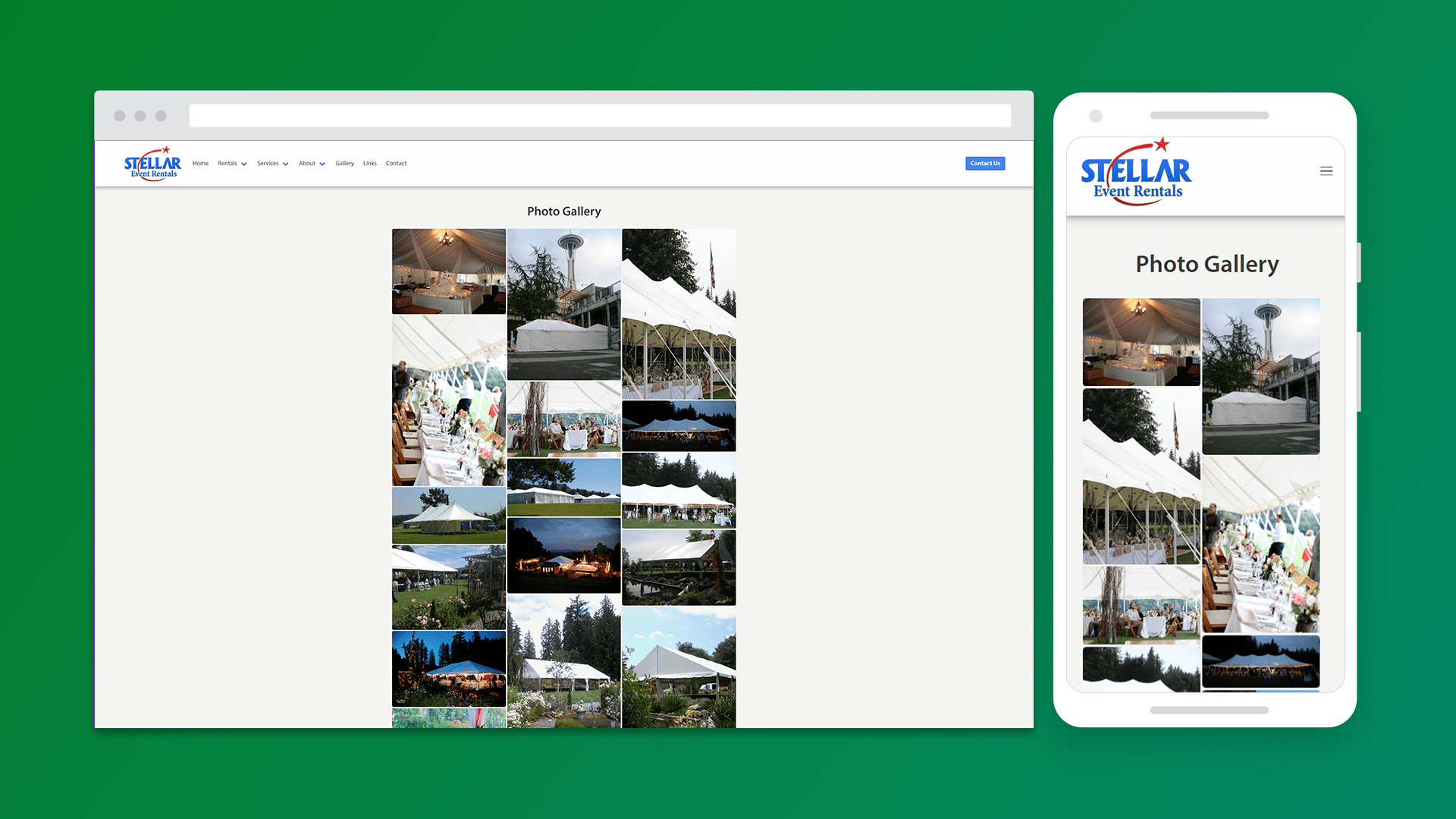
For the gallery, I wanted a way to show the user a page of images instead of scrolling through each image one by one. If the user was interested in viewing a single image, then they would be able to open it and view the full resolution. I decided to use Unite Gallery as it fit my needs the best.
Conclusion
Being the first time I worked for a client, this was definitely an important learning experience. Working alongside my client to incorporate our ideas and concepts into a website, I was able to create a tangible product tailored for what my client desired.